- Published on
When ClickUp Feels Overwhelming, This Is Why
- Authors

- Name
- Will
- @productive_will
I opened his ClickUp workspace and saw a lot of custom fields for someone getting started with ClickUp. I asked why there were so many.
He told me they’d been auto-generated by the AI.
ClickUp AI is great, but here’s why you shouldn’t use it to generate custom fields.
When you first create a list, you’ll see a pop-up suggesting fields to add. Don’t do it! You’ll spend more time adjusting and removing them. You don’t want to clutter up your workspace before you’ve even begun.
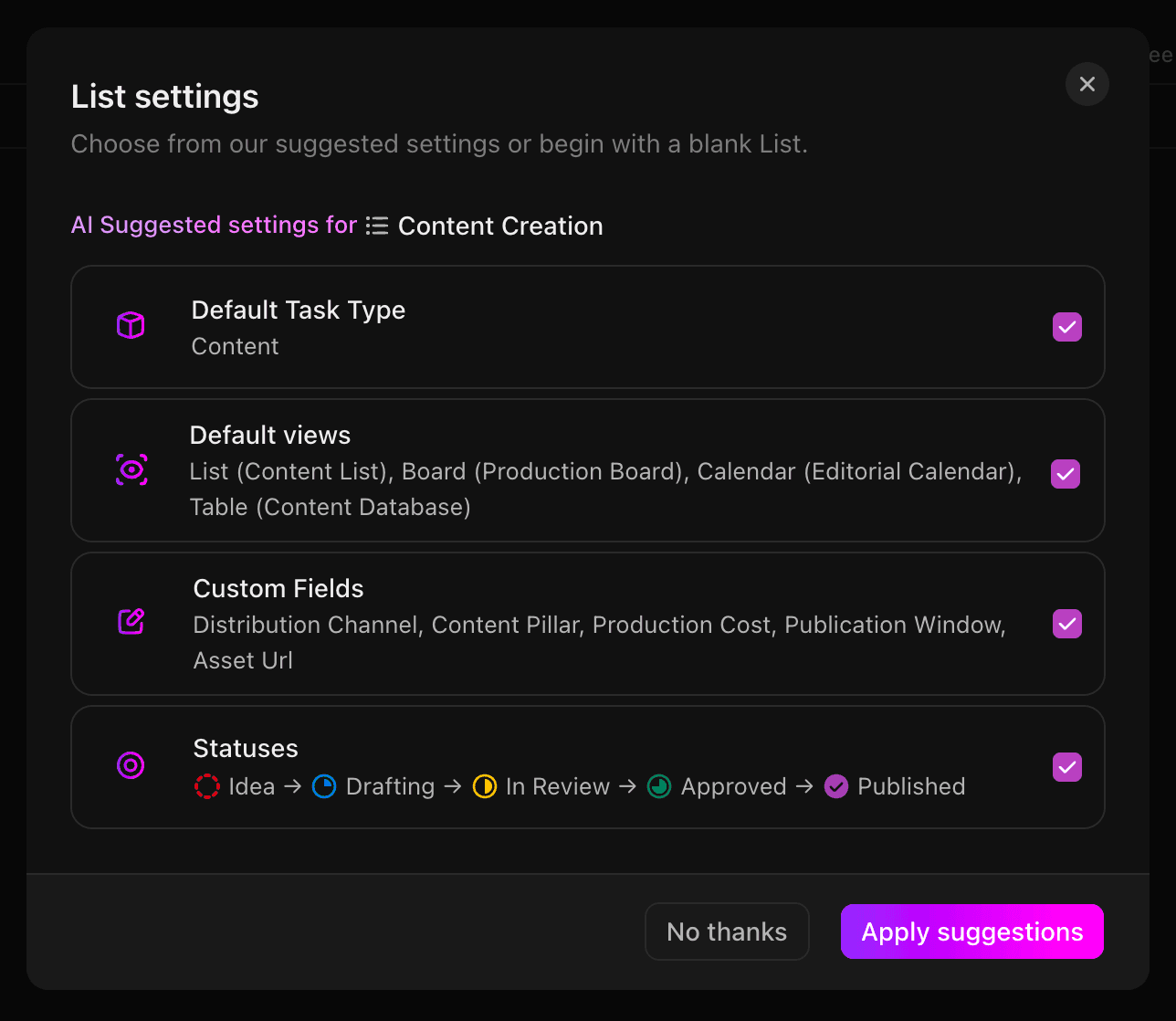
This is productivity slop.
It creeps its way into your workspace because you’re told AI will make things easier and quicker. But that speed doesn’t let you think about your unique setup and workflow.
It’ll stop you from getting tasks done because your team will ask what all these fields are for and if they should be using them.
Start from scratch.
That might feel like the lame way of doing things in this AI age. But I promise you it’ll make your life easier. You’ll have to think about what fields you actually need.
If you’re building a CRM in ClickUp, you’ll want name, email address, company, company size, etc.
If you’re making a client pipeline, you’ll need different statuses and fields, specific to that type of workflow you’re building.
If you build your entire ClickUp workspace this way, you’ll have a much more manageable space. Your team won’t thank you but they won’t get confused with custom fields that don’t make sense.
They won’t come to you asking why there’s a quantity field on the “write a social media post” task.
Imagine you open ClickUp tomorrow and know everything organised. No clutter, only what you need and nothing more.
It becomes a pleasure to work in. Work gets done faster and easier and you have more energy to do the things you enjoy.
If you like the sound of that, reply to this email and we’ll see how we can work together.